

Reset password
If you’ve forgotten your password, you can request a reset link from the Bucket Flows login page.
Request a password reset
-
Select FORGOT YOUR PASSWORD from the login page.
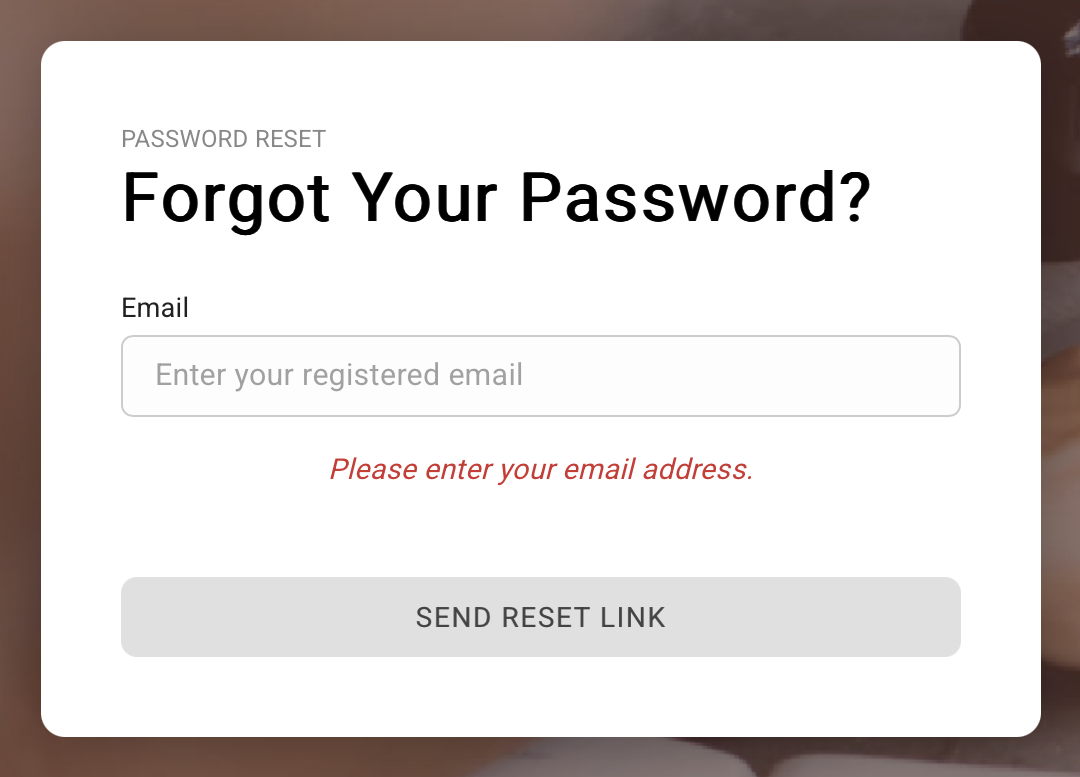
Forgot your password
-
Enter the email address associated with your Bucket Flows account.
-
Select SEND RESET LINK.
Open the reset email
Bucket Flows will send a password reset email to the email address associated with your account.
Open the email and select the password reset link.
If you don’t see the email, check your spam or junk folder.
Choose a new password
The reset link will take you to Bucket Flows, where you can choose a new password.
- Enter your new password.
- Enter it again to confirm the password.
- Select RESET PASSWORD.
Once your password has been changed, you can log in using your new password.
Updated about 2 months ago
Did this page help you?