

Profile
Use the Profile page to update your personal details or change your password.
Open the account menu in the top-right corner and select Profile.
Update your profile details
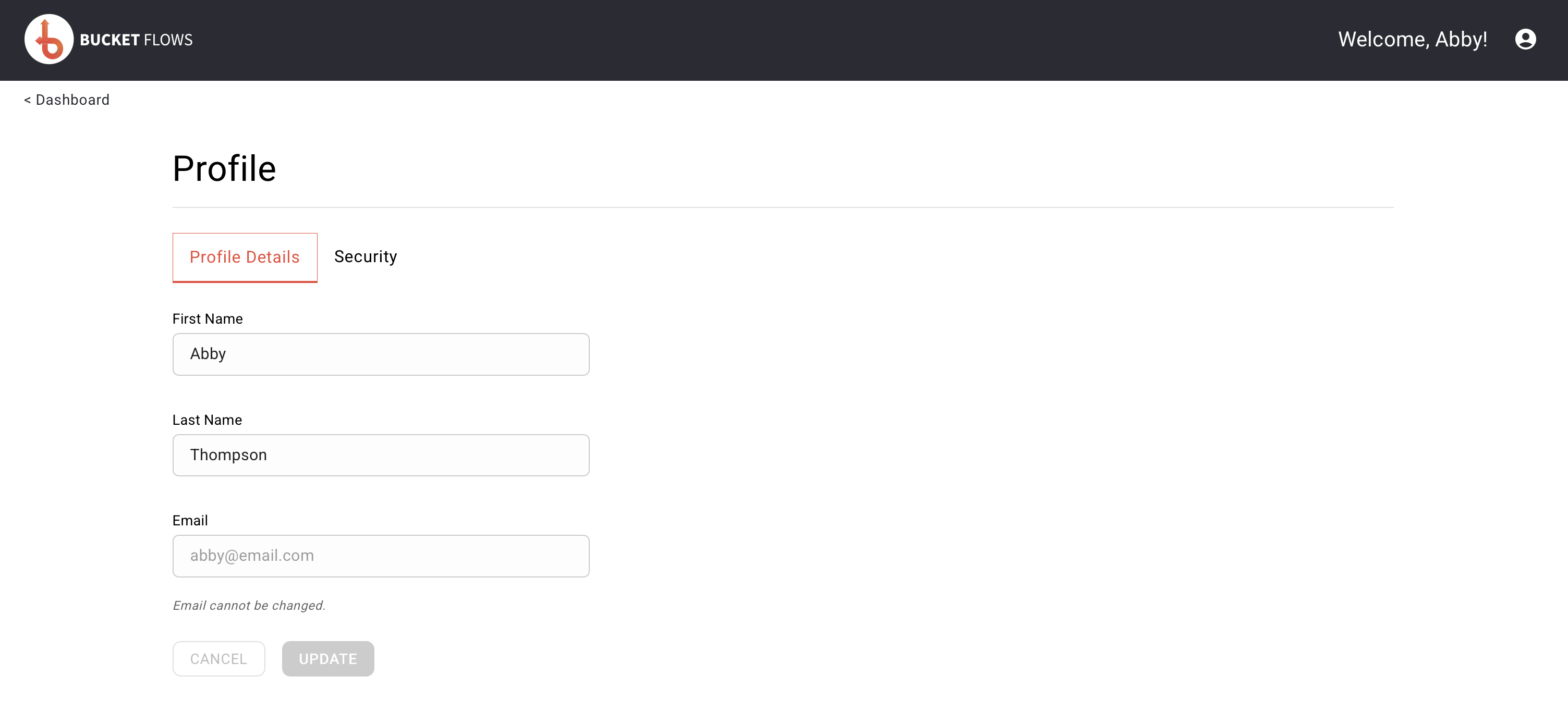
Profile details
The Profile Details tab shows your:
- First name
- Last name
- Email address
You can update your first and last name.
Your email address is linked to your Bucket Flows account and cannot be changed.
To update your details:
- Edit your First Name or Last Name.
- Select UPDATE.
Change your password
Select the Security tab to change your password.
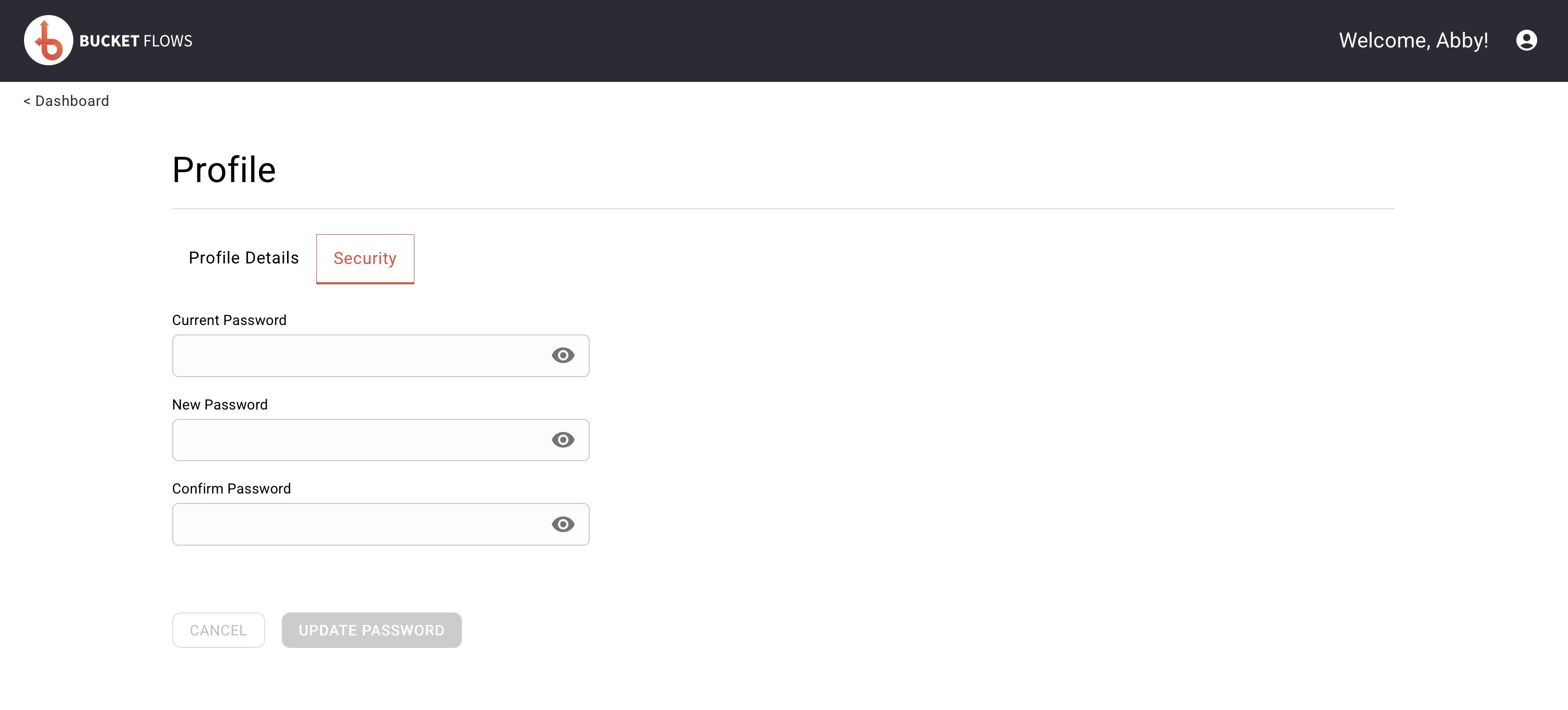
Security
- Enter your Current Password.
- Enter your New Password.
- Enter the new password again in Confirm Password.
- Select UPDATE PASSWORD.
You can select the eye icon beside any password field to show or hide the password.
Updated about 2 months ago
Did this page help you?