

Dashboard overview
The Dashboard is the main starting point when you log in to Bucket Flows. From here you can access your projects and manage your account.
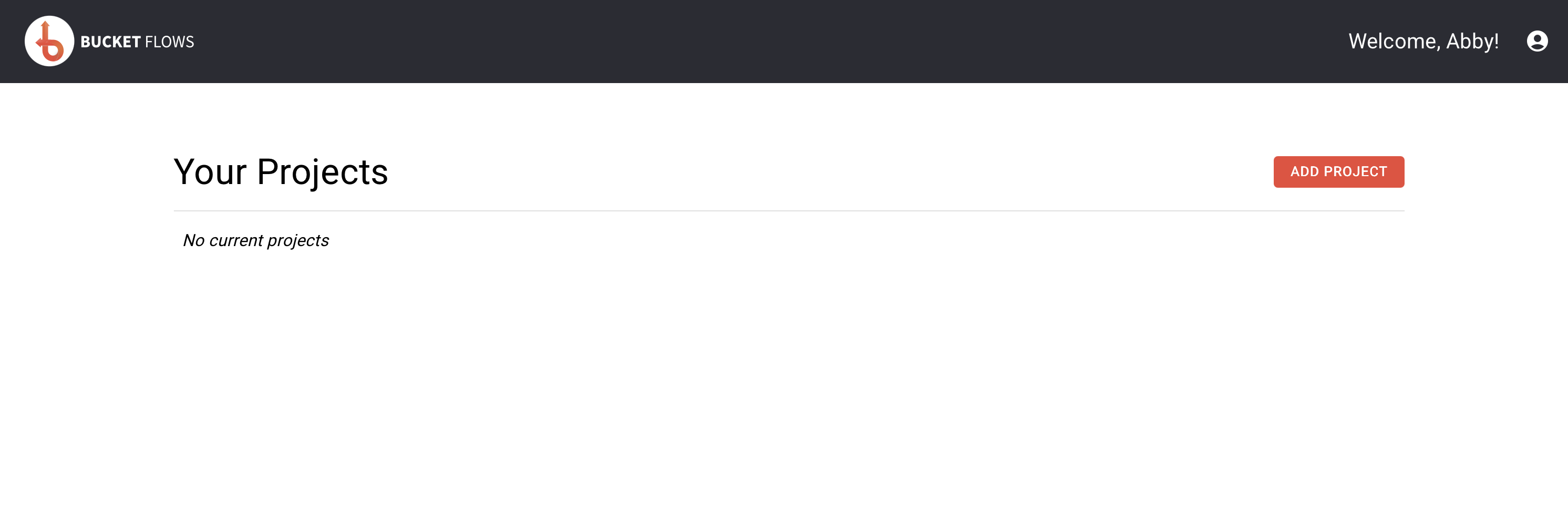
Main dashboard
Getting started
When you first open the Dashboard, an onboarding video is shown to introduce you to Bucket Flows and help you get started.
You can watch the onboarding video again at any time by selecting Quick Guide from the account menu.
Your projects
The Your Projects section shows all of your current projects.
Each project displays its name and the number of flows it contains. Select a project to open it and start working with its flows.
You can also select ADD PROJECT to create a new project.
For more information about creating, editing and deleting projects, see Projects.
Account menu
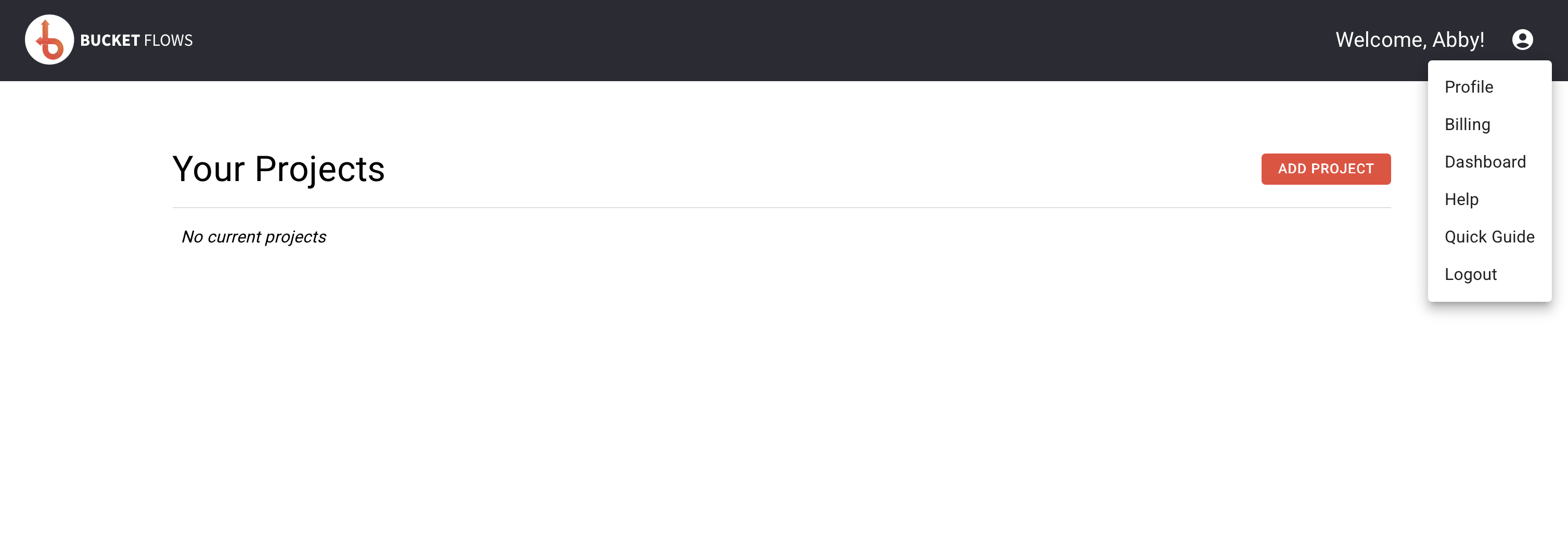
Account Menu
Select the account icon in the top-right corner to open the account menu.
From here you can access:
- Profile – update your profile details or change your password.
- Billing – view and manage your Bucket Flows subscription.
- Dashboard – return to your Dashboard.
- Help – open the Bucket Flows Help Centre.
- Quick Guide – watch the onboarding video again.
- Logout – log out of Bucket Flows.
Updated about 2 months ago