

Billing
Use the Billing page to view and manage your Bucket Flows subscription.
Open the account menu in the top-right corner and select Billing.
View your subscription
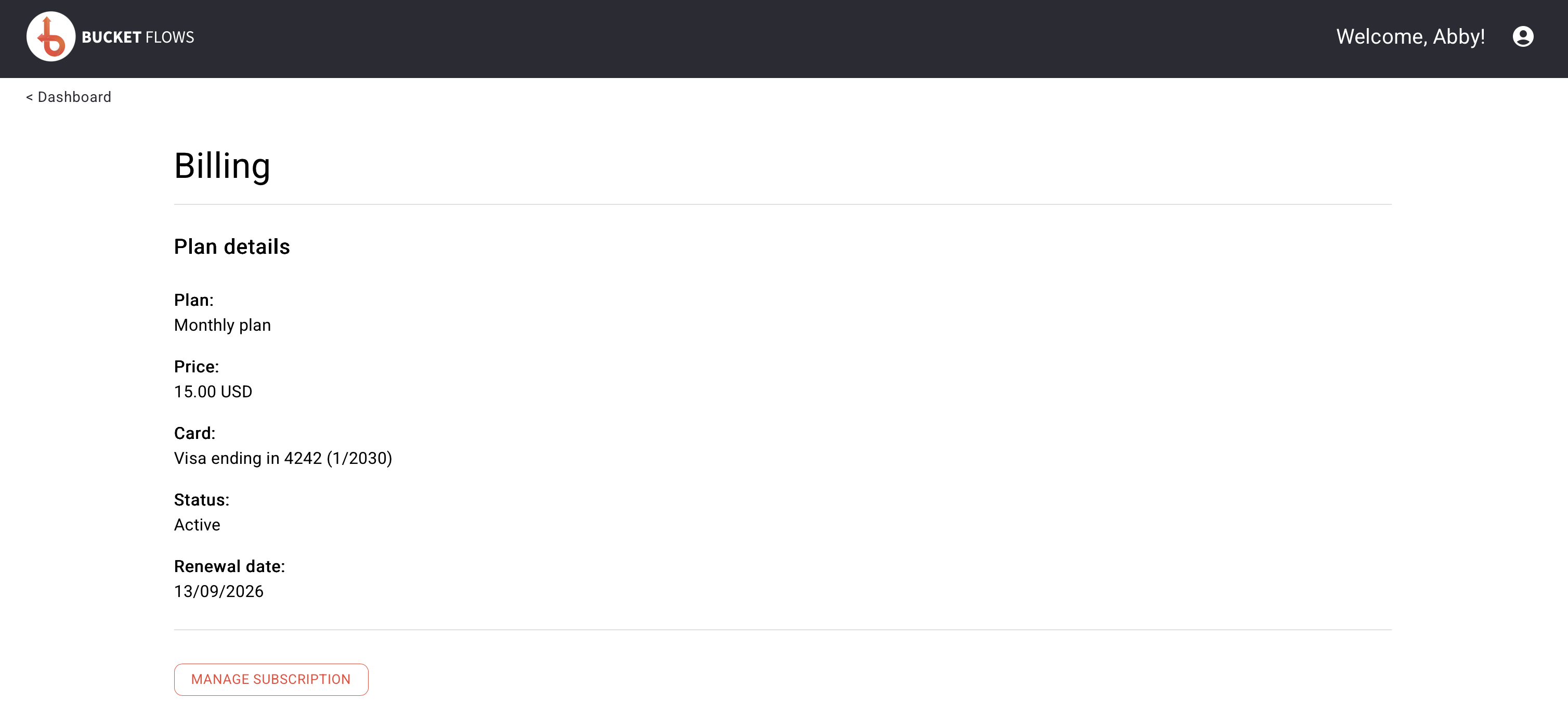
Billing details
The Plan details section shows your current:
- Plan
- Price
- Payment card
- Subscription status
- Renewal date
Manage your subscription
Select MANAGE SUBSCRIPTION to open the Stripe subscription management page.
From there you can manage your subscription and payment details.
When you have finished, return to Bucket Flows to continue working.
Updated about 2 months ago
Did this page help you?