

Projects
Projects are used to organise related flows in Bucket Flows. You can create and manage projects from the Dashboard.
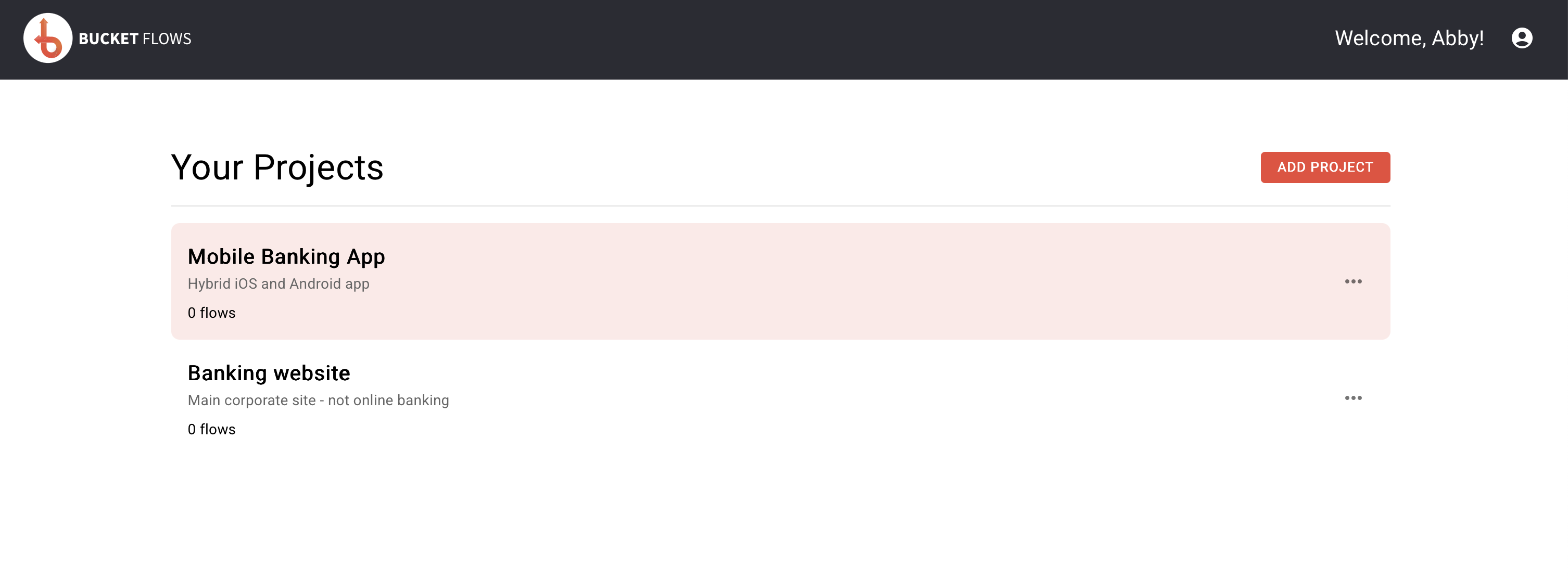
Dashboard with projects
Create a project
Select ADD PROJECT from the Dashboard.
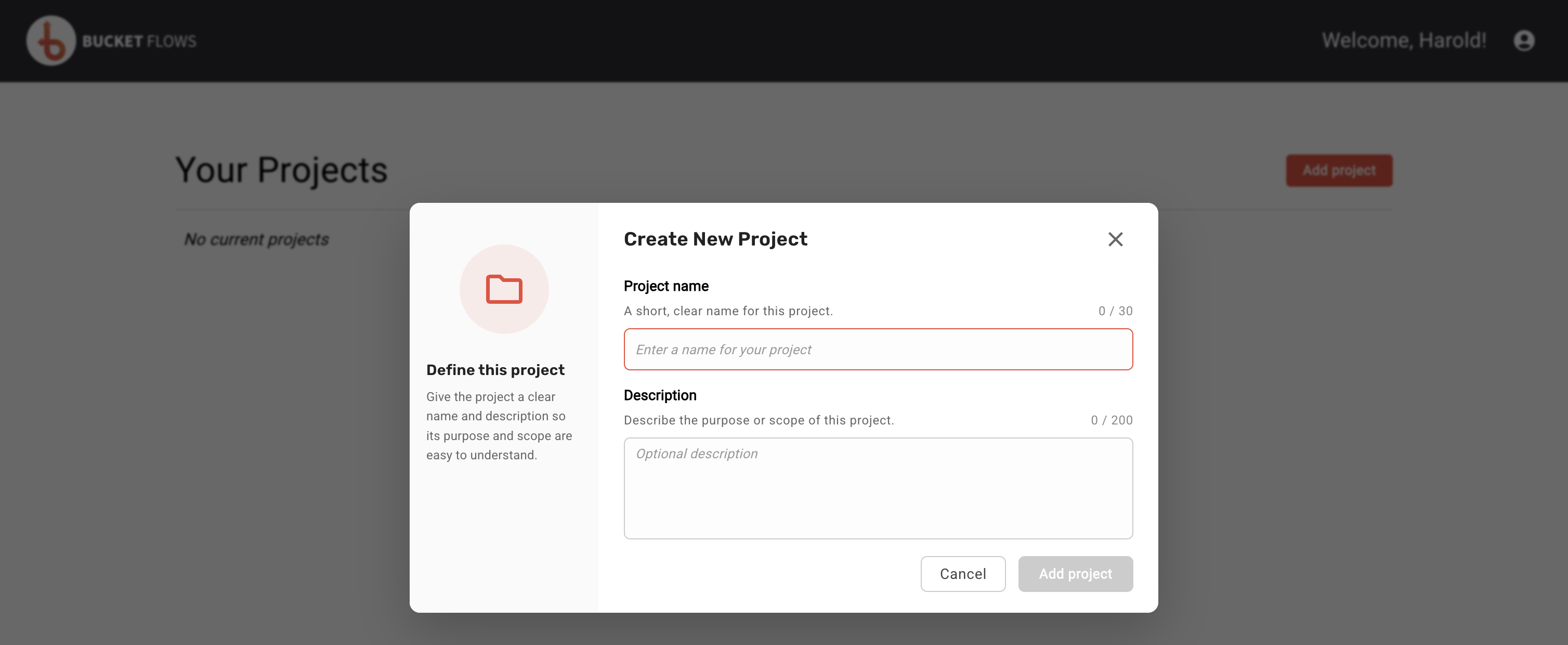
Create new project
Enter:
- Project Name – a name for your project.
- Description – an optional description of the project.
Select ADD PROJECT to create the project.
Your new project will appear in the Your Projects list.
Open a project
Select a project from the Dashboard to open it and view its flows.
You can also select the three-dot menu next to the project and choose Open.
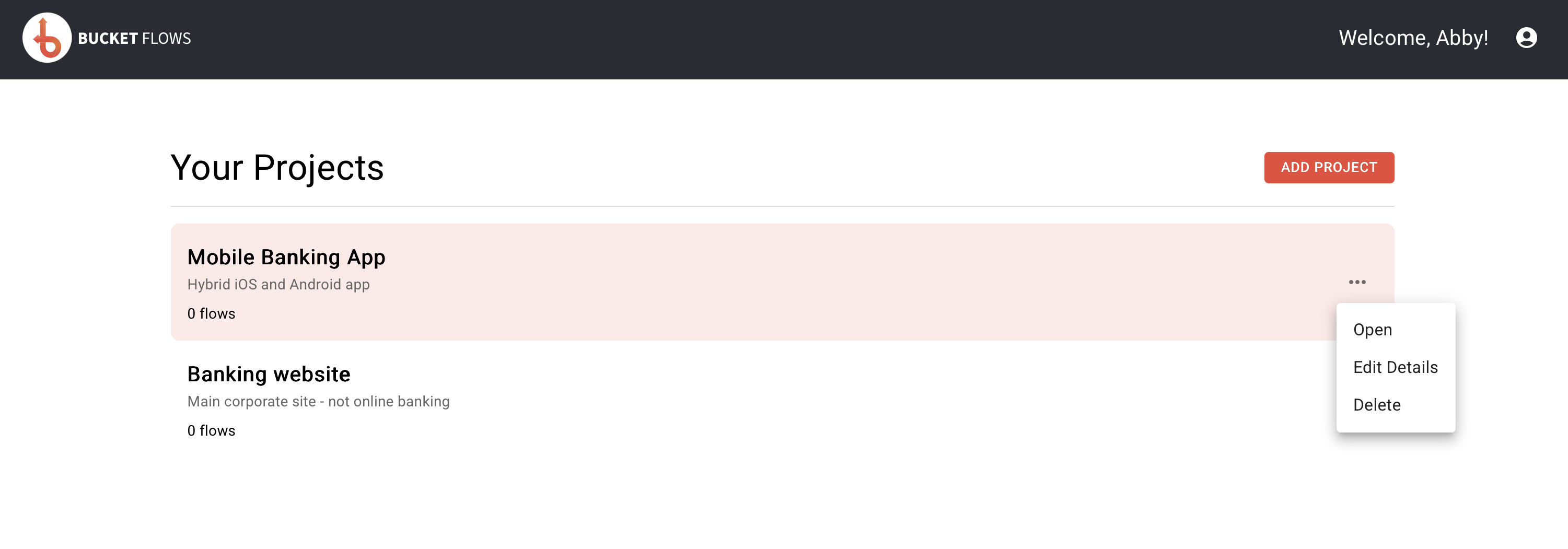
Project menu
Edit a project
To change a project's name or description:
- Select the three-dot menu next to the project.
- Select Edit Details.
- Update the project name or description.
- Select UPDATE PROJECT.
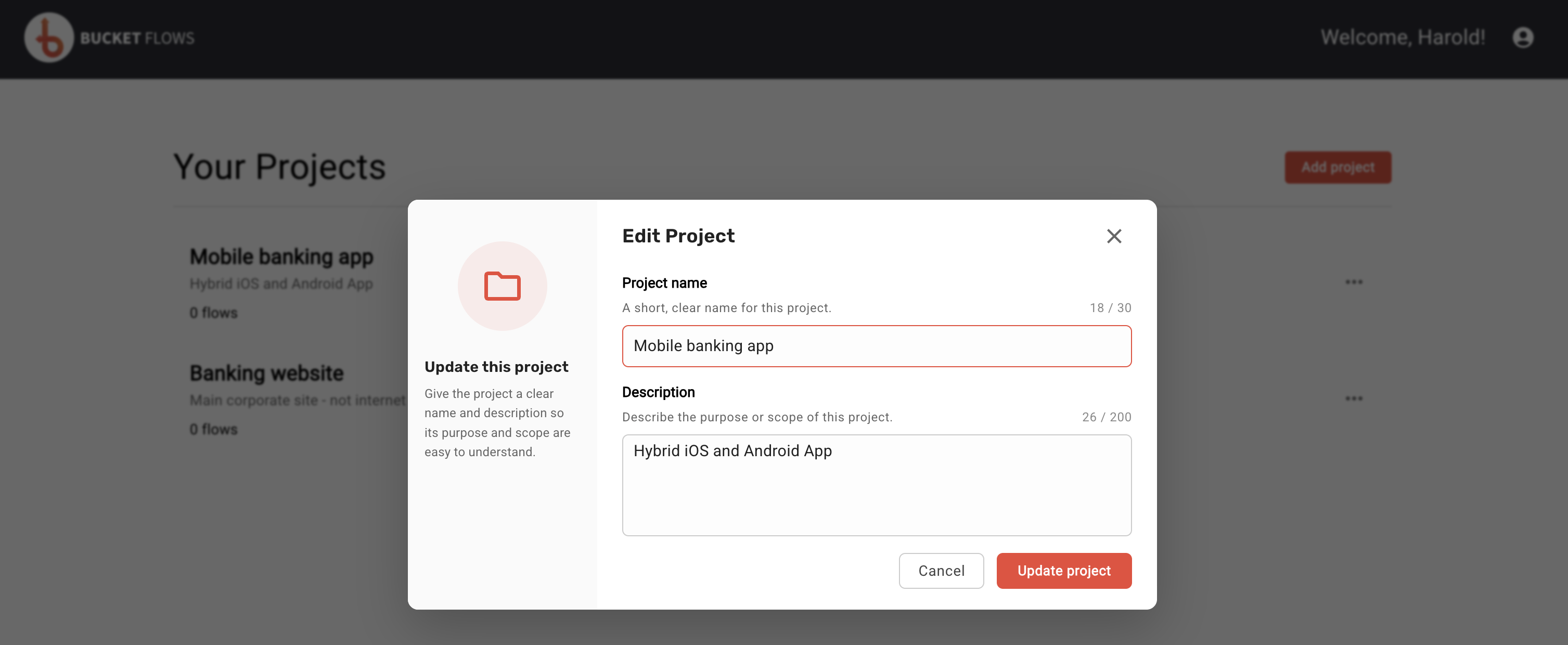
Edit project
Delete a project
To delete a project:
- Select the three-dot menu next to the project.
- Select Delete.
- Check that you have selected the correct project.
- Select DELETE to confirm.
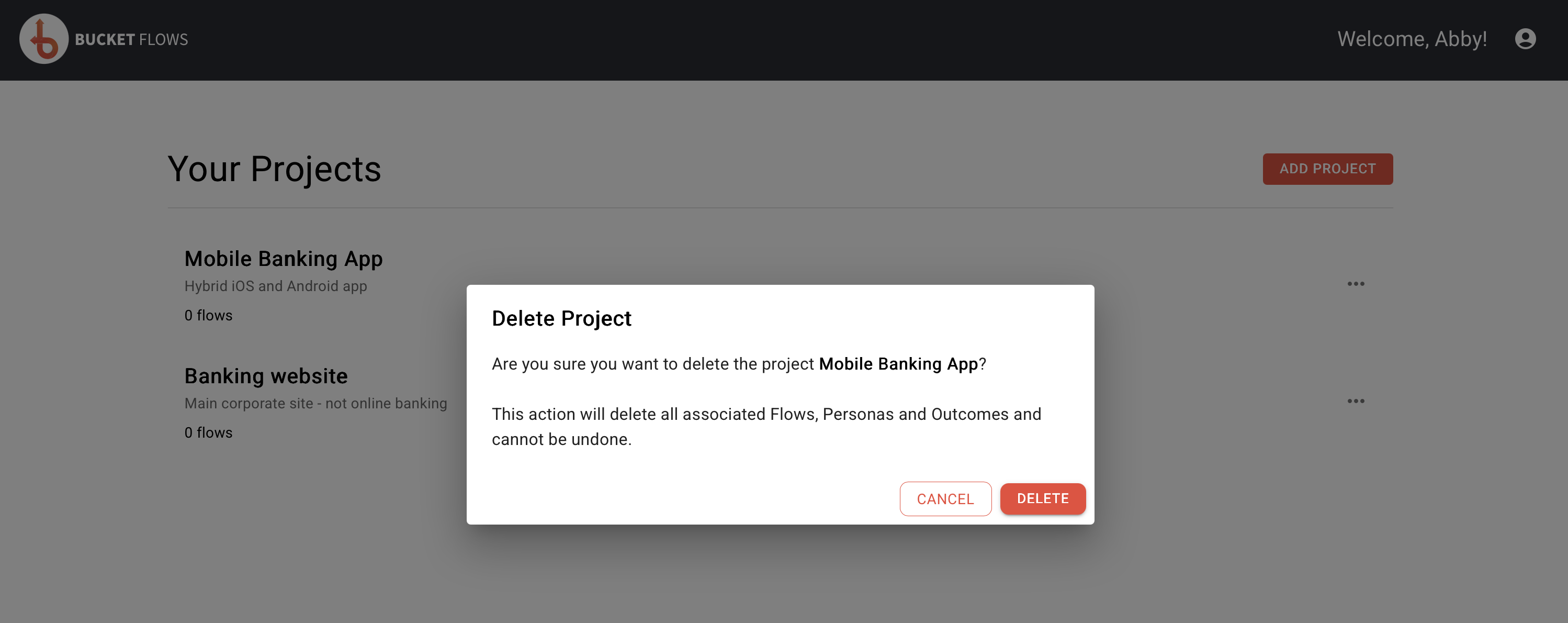
Delete project
Deleting a project also deletes all associated Flows, Personas and Outcomes. This cannot be undone.
Updated 14 days ago
Did this page help you?